
Hotel Lobby CapCut Template: How It Works and Better Options
 RapVideo Team
A Hotel Lobby CapCut template swaps your face into someone else's edit. Learn the steps, the limits, and how to make an AI rap video with two photos instead.
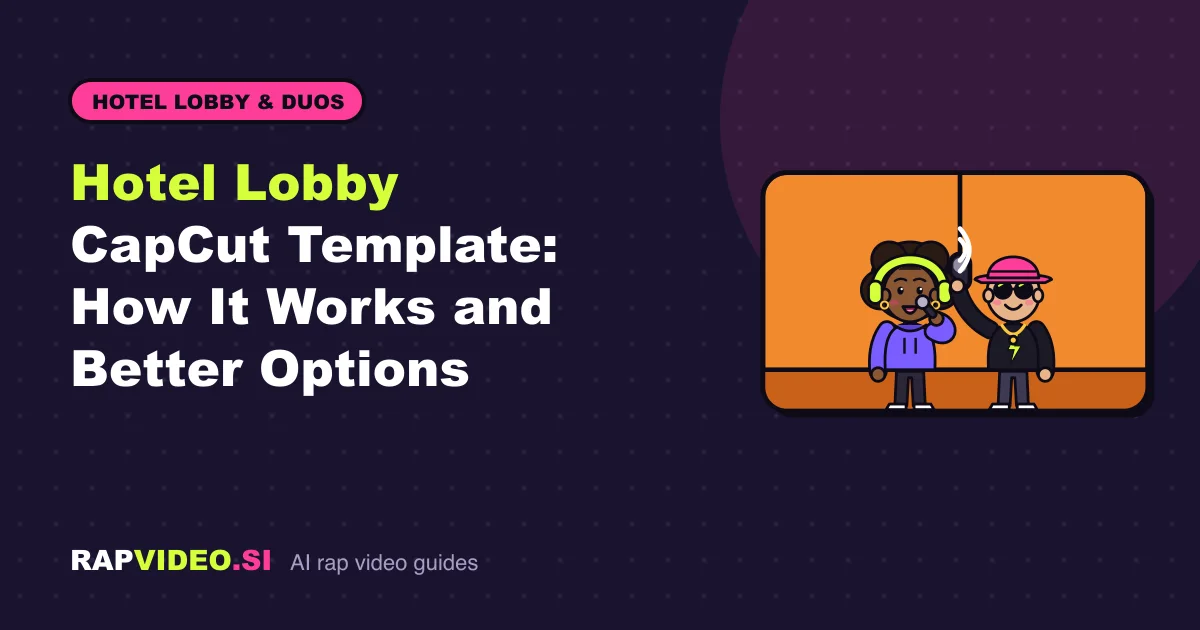
Short answer: A Hotel Lobby CapCut template is a ready-made edit that other creators uploaded; you drop in a photo or clip and CapCut fills the slots. It is quick, but the moves, outfits and sound belong to the original edit. If you want two people of your choice performing in the orange booth, an AI rap video made from two photos is the better fit.
What is a Hotel Lobby CapCut template?
CapCut is a video editing app, and its templates are edits that users publish for others to reuse. The Hotel Lobby trend, a clip of two rappers sharing one hanging mic in an orange room, has attracted many of them. Anyone can upload one, so what you find changes from week to week. Treat every template as a community upload, not an official feature.
How do you use a CapCut template step by step?
- Find a template. On TikTok, videos made from a template often show a CapCut link above the caption. In the CapCut app you can also search the template section for the trend name.
- Tap to use it and add the photo or clip each slot asks for. Pick a sharp, front-facing picture.
- Preview and export, or post straight to TikTok.
That is the whole process, which is why templates are popular. The trade-off is how much of the result you control.
What are the limits of a CapCut template?
- Usually one face. Many templates have a single slot, so a friend needs a second pass or a separate video.
- Not your performance. The motion, framing and lyrics come from the original edit. Only the face is new.
- They can disappear. Templates get removed or stop working, sometimes right when a trend peaks.
- The original recording. An edit that keeps a copyrighted track may be muted or taken down on some platforms.
None of this makes templates bad. They suit a quick, one-off post. They are less suited to a duo video where both people should look like themselves.
What is the two-photo AI route?
An AI photo-to-video tool does something different: instead of pasting a face into an existing clip, it renders a new clip. On Hotel Lobby AI you add one photo per person (or one photo of both), pick the Lobby Booth stage with its warm orange wall and single hanging mic, and choose a sound. The left person is the lead who raps, the right person is the hype partner.
RapVideo never uses the original recording. You pick one of three sounds instead:
| Sound | What you provide | What you get |
|---|---|---|
| AI verse | A topic, up to 120 characters | An original clean rap in the topic's language |
| Your lyrics | Up to 300 characters of your own bars | The lead performs them |
| Beat only | Nothing | An original instrumental while the duo vibes |
We do not support uploading a finished song. If you want the trending sound, add it inside TikTok or Instagram when you post.
Template or AI video: which should you choose?
| Question | CapCut template | Two-photo AI video |
|---|---|---|
| People in the video | Often one | Two, or one photo of both |
| Who performs | The original edit | A new performance |
| Sound | Whatever the edit uses | AI verse, your lyrics or beat only |
| Effort | Seconds | A few minutes of rendering |
A rap video is 12 seconds, vertical 9:16, and costs 6 credits in Standard (480p) or 10 credits in HD (720p). The button shows the exact amount before you create. See pricing for packs; credits never expire. For the full walkthrough, read how to do the Hotel Lobby trend.
Tips for a good result
- Use a clear, front-facing photo for each person, in even light.
- Only use people who agreed to appear, and never public figures.
- Keep the topic short and specific, such as a shared inside joke.
You do not need an account. Guests can pay and generate, and signing in only keeps your videos across devices.
FAQ
Is there an official Hotel Lobby CapCut template?
No. The templates you find are uploaded by users, and they can be removed at any time. RapVideo is independent and not affiliated with CapCut, TikTok or the artists behind the original clip.
Can I use two people in one CapCut template?
Some templates have two slots, but many take one photo. Check the slot count before you start. For a guaranteed duo, the AI rap duo tool is built around two photos.
Will my video keep the original song?
Not on RapVideo. We never use original recordings. Use an AI verse, your own lyrics or a beat, then add a trending sound in the app when you post.