
Best Photos for AI Rap Videos: What Works and What Fails
 RapVideo Team
The best photo for an AI rap video is a sharp, front-facing shot in soft light. See what to pick, what to avoid, and how to crop group photos.
Short answer: The best photo for an AI rap video shows one person facing the camera in soft, even light, with the eyes visible and the face large enough to see clearly. Waist-up framing is the safest. A good photo takes seconds to choose and makes the biggest difference to how much the performer looks like you.
What makes a photo work?
The AI renders a new clip from your picture, so it needs to see the face and, ideally, some of the outfit. Four things matter most:
- A clear face. Sharp, not blurry or tiny in the frame.
- Soft front light. A window in front of you or open shade works well.
- Open eyes. Sunglasses and low caps hide what makes a face recognizable.
- One person per photo when you use two photos.
How should you pick photos for a duo?
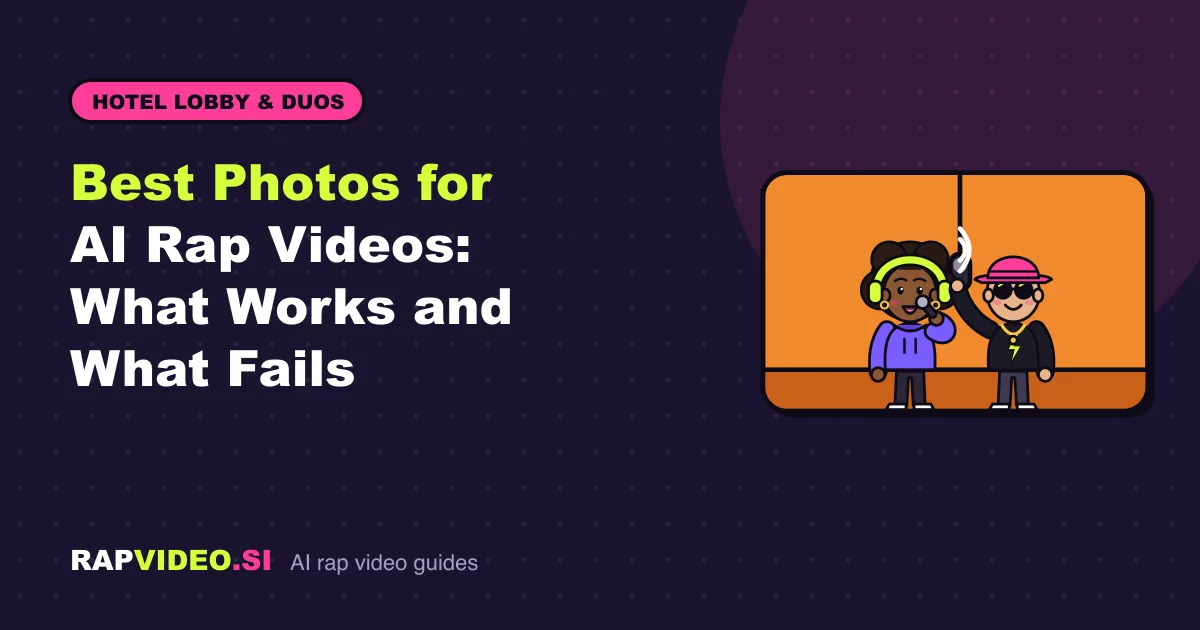
In AI rap duo you add two photos, one per person. The left photo is the lead who raps into the mic, and the right photo is the hype partner. Put the stronger performer on the left. If you only have one picture of the two of you together, switch to the one-photo option and use a shot where both faces are clear.
For a group picture with several friends, crop each person into a separate photo first. Cropping closer to the face also helps the AI.
Head shot, waist-up or full body?
Waist-up is the safest choice. The face stays large and sharp, and the outfit still shows. A very tight head shot leaves the AI to invent the clothes. A full-length photo can make the face too small to read.
Do and avoid
| Do | Avoid |
|---|---|
| Face a window or stand in open shade | A bright window behind the person |
| Hold the camera at eye level | Extreme angles or profile views |
| Keep a relaxed, natural expression | Heavy beauty filters that change the face |
| Use a recent, sharp photo | Screenshots, tiny or heavily compressed images |
| Use people who agreed to appear | Public figures or celebrities |
Beauty filters, face paint and heavy color edits change the face itself, so the video starts from the edited look, not the real one. If your goal is to look like yourself, use an unfiltered shot.
What about hats, glasses and costumes?
Sunglasses, masks and hats that shade the eyes can show up on stage, or they can hide what makes the performer look like you. If you want a costume look, wear it. If you want accuracy, pick a bare-faced photo.
Are there privacy and safety rules?
Yes. Uploads go through an automated NSFW check. Only upload people who agreed, get a parent or guardian's consent for anyone under 18, and never upload public figures or celebrities. Your photos are used only to make the video and are never shown publicly. This is not a face swap: the model renders a new clip from the photos.
What happens after you upload?
Pick a stage, such as the Lobby Booth or Studio Booth, then choose a sound: an AI verse from a topic of up to 120 characters, your own lyrics up to 300 characters, or beat only. A rap video is 12 seconds, vertical 9:16, for 6 credits in Standard (480p) or 10 in HD (720p). See pricing. If you are new to the flow, read how to make an AI rap video.
Quick checklist
- Is the face sharp and bigger than a thumbnail?
- Is the light soft and in front?
- Can you see both eyes?
- Is it one person, cropped from waist up?
- Did that person say yes?
If you can answer yes to all five, upload it.
FAQ
Can I use a photo from my camera roll?
Yes. Browser-based means you can upload from your phone or computer. Choose a photo that is recent and sharp.
Do I need the same photo for both people?
No. In two-photo mode each person gets their own picture. In one-photo mode a single picture should show both people clearly.
What if the video does not look like me?
Try a closer, better-lit, front-facing photo without filters. Failed or safety-blocked renders refund their credits automatically, but a finished video is not refunded, so check your photos first.