
Trending now
How to do the AI trend on TikTok
Pick the trend, add a clear photo of yourself, and download a vertical clip a few minutes later. This page starts with the golden-hour pier look and links every other trend tool.
- 2 credits for 6 s at 480p
- One photo, no app, no prompt
- Failed renders refunded
What AI trends on TikTok makes
How to do the AI trend on TikTok: pick a trend, add one photo, render in minutes, then post the MP4 with the sound and the AI label. No app needed.
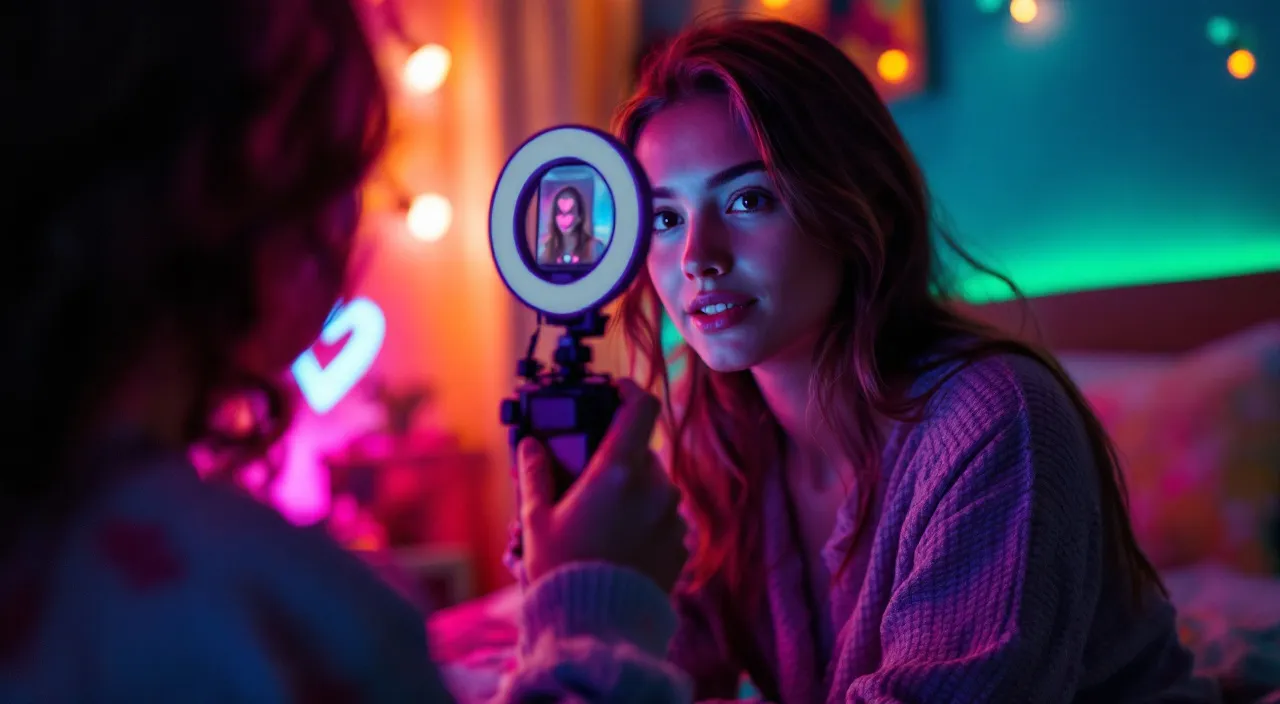
Concept image made with AI to show the idea; not a customer video.
The short answer
What the AI trends on TikTok have in common
Updated October 24, 2026
To do an AI trend on TikTok, pick the trend, add a clear front-facing photo of yourself (or one of each person for duo trends), let the AI render a short vertical clip, then download the MP4 and post it. On RapVideo this takes about 2 to 5 minutes and runs in your browser with no app and no prompt writing. A 6-second photo effect costs 2 credits at 480p or 4 credits at 720p. When you post, add the trend's sound inside TikTok and switch on the AI-generated content label.
Almost every AI trend this fall works the same way: an ordinary photo goes in, and a short clip comes out with that person inside a scene they never stood in. The scene is the hook, so the clip is instantly recognisable even before the sound starts.
Here is how the main ones look. The Raindance look has you singing slowly on a wooden pier at golden hour as warm rain starts. The gas station dance is three golden-hour shots on an empty forecourt. The AI zombie hug turns one of two people into a mild, gore-free zombie who still gets held. The car jump is a calm face in a camp chair while a car flies off a dune behind. The Halloween costume clip swirls your outfit into a homemade costume, and the 80s camcorder clip turns you into a 1985 home video. The Hotel Lobby rap duo is two people sharing one hanging mic in an orange booth.
No single app makes every trend. Some spread as CapCut templates, some as one-trend apps, and TikTok has its own tools for animating a photo. RapVideo takes the browser route: each trend is a tool that already holds the scene, the action and the camera move, so you bring only the photo.
The generated clip is a new render, not a face swap and not the original footage. Where a trend is tied to a real song, we do not use that recording. Each clip ships with its own original track, and you can add the popular sound inside TikTok or Instagram when you post. RapVideo is not affiliated with TikTok, CapCut or any artist behind a trend.
Before you post, check TikTok's current rules: realistic AI-generated video should carry the AI-generated label (More options, then AI-generated content), and clips with other people's faces need their permission. Read our guide on whether TikTok allows AI videos for the details.
Set up here: Grok Imagine Video 1.5 Lite (xAI), 480p, 6 seconds, 2 credits. Read the full guide
How it works
Make it in 3 steps
- 1
Pick the trend
Each trend below is its own tool. This page is set to a golden-hour pier look; open a related tool for the dance, the zombie hug, the car jump or the rap duo.
- 2
Add a photo, keep it vertical
A sharp, front-facing photo with even light. The video is 9:16, the shape of the For You feed, Reels and Shorts.

- 3
Render, download, post
Ready in about 2 to 5 minutes. Download the MP4, upload it, add the trend sound in the app and turn on the AI label.
Why make it here
Why do the trend here
Works in the browser
Nothing to install. Use a phone or a laptop, as a guest or signed in.
No prompt to write
The place, the action and the camera are already described for each trend. You pick a photo.
Vertical MP4, no watermark
The file is made for TikTok, Reels and Shorts and downloads clean.
Price before you press
The button shows the credits. Packs never expire and failed renders refund themselves.
Ideas
Trends to try from one photo
- Raindance: a slow sung close-up on a pier at golden hour
- Gas station dance: forecourt, selfie and luxury car at sunset
- AI zombie hug: two photos, no gore, one long embrace
- Car jump: stay calm while a car flies off a dune behind you
- Halloween costume and 80s camcorder: a costume swirl or a 1985 tape
- Hotel Lobby rap duo: two photos in an orange booth with one hanging mic
Ask before you put anyone in a video, and leave public figures out of it.
Watch
AI trends on TikTok videos on YouTube
Videos by creators and other tools, each credited and linked to the original on YouTube. Nothing loads from YouTube until you press play.
Hidden TikTok AI Feature: How to Create AI Videos
THE AI PLAYBOOK on YouTubeTikTok’s New FREE AI Video Generator — Create Videos from Text & Images in Seconds! 🚀
Tashi T. Films on YouTubeHow Everyone Is Making Those Viral AI Migos Videos
Cyber Daive on YouTubeTrending Raindance Song Ai Video Editing Tutorial | Dave Tems song Ai Video Editing Tutorial
Arup Tech Tube on YouTubeGuides
Read next
Related tools
Your turn
Pick a trend and post it tonight
One photo, a few minutes, a vertical MP4 ready for TikTok.