
Family
AI family video from the photos you already have
Add a photo of two family members, or one photo of them together, and get a short clip of a warm hug in soft daylight. Send it straight to the family chat.
- 2 credits for 6 s at 480p
- Two photos, or one of you both
- Failed renders refunded
What AI Family Video makes
Turn family photos into a short AI video: a warm hug between two relatives, made from one photo each. 6 seconds, MP4, no watermark, no app.

Concept image made with AI to show the idea; not a customer video.
The short answer
What an AI family video is, and how it differs from a slideshow
Updated October 24, 2026
An AI family video turns photos of people you love into a short moving scene. On RapVideo you add one photo of each person (or one photo of the pair) and the model renders a 6-second vertical clip of the two turning to each other and sharing a warm hug in soft daylight, with a gentle original melody underneath. It costs 2 credits at 480p or 4 credits at 720p and downloads as an MP4 with no watermark. Faces, hair and outfits come from your photos; the room and the movement are new.
A slideshow moves between stills. An AI family video renders new motion from them: two people who may live in different cities, or who were never photographed together, standing in one bright room and hugging. The model builds the scene and the movement; you supply the faces.
It is not a face swap. Face swaps paste a face onto another body. Here each person keeps their own face, hairstyle and clothes from the photo, and the clip is generated fresh, so two different renders will not look exactly alike.
The family tools fit together. The AI hug generator is the closest relative of this page, the future baby clip imagines a newborn, animate old photos brings a single print to life, and a sung personalized song can name the whole family. Pick the one that matches the moment.
Please be thoughtful with who you include. Ask the people in the photos first, and approach photos of someone who has passed away with care: the hug is an AI imagining, not a recording of a real moment.
Set up here: Grok Imagine Video 1.5 Lite (xAI), 480p, 6 seconds, 2 credits. Read the full guide
How it works
Make it in 3 steps
- 1
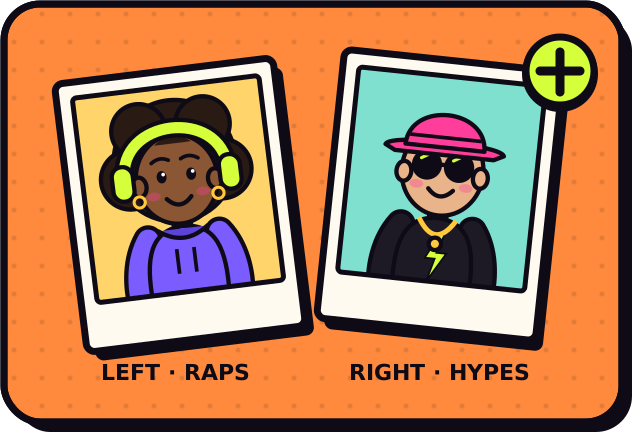
Add a photo of each person
A parent and a child, two siblings, grandparent and grandchild. Use clear, front-facing photos, or one photo with both.
- 2
Pick Standard or HD
Standard (480p) is 2 credits and HD (720p) is 4. The button shows the exact price before you pay.
- 3
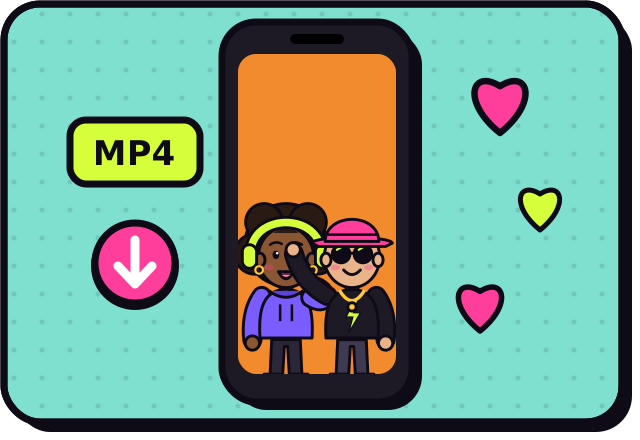
Render and send it on
It is usually ready in about 2 to 5 minutes. Download the MP4 from My videos and share it in the family chat.
Why make it here
Why families use it
Together across distance
The two photos can come from different phones, years and countries. The clip puts both people in the same room.
No editing skills
The scene, the hug and the music are built in. You add photos and press create.
Easy to send
A 9:16 MP4 plays inline in family chats and posts nicely to Stories and Reels.
Private by default
Uploaded photos are used only to make your video and are never shown publicly.
Ideas
Family video ideas
- A hug across the miles for a parent or grandparent
- Two siblings who live in different countries, in one room at last
- A birthday surprise: the grandchild and the grandparent
- A holiday greeting for the family chat
- A gentle tribute clip for someone you miss, made with care (see the memories tools)
Ask before you put anyone in a video, and leave public figures out of it.
Guides
Read next
Related tools
Your turn
Bring the family together in one clip
Add two photos and press create. A few minutes later it is ready to send.