
How to Do the Hotel Lobby Trend in Minutes From Two Photos
 RapVideo Team
Do the Hotel Lobby trend without filming: add two photos, keep the orange booth, and get a vertical AI rap video in about 5 minutes.
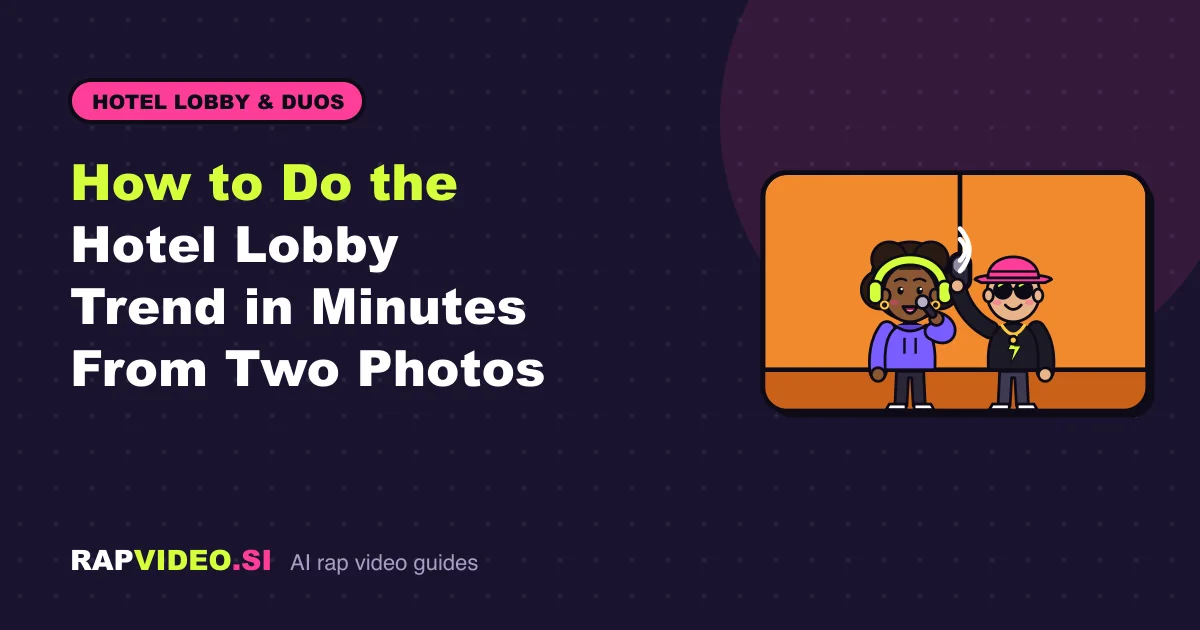
Short answer: The quickest way to do the Hotel Lobby trend is an AI video generator that takes two photos. Add one photo per person, keep the orange booth stage, and a few minutes later you get a vertical 12-second clip of the pair at one hanging mic. No filming, no app, and no editing skills are needed.
Ready to jump in? The Hotel Lobby trend tool has the setup done for you.
What is the Hotel Lobby trend?
The trend puts new pairs of people into a plain orange-wall booth with a single microphone hanging between them, copying the look of a well-known performance by the rap duo Quavo and Takeoff. People on TikTok and Instagram swap in friends, siblings, couples and pets.
RapVideo is independent and is not affiliated with Quavo, Takeoff or anyone connected to them. We use no original recordings. What you get is a new clip rendered from your photos.
What are your options for doing it?
There are three broad routes:
| Route | Effort | What you get |
|---|---|---|
| Film it yourself | High | The most authentic look, but you need a wall, a mic, a rehearsal and good lighting |
| Edit a template | Medium | A fixed edit with your face pasted in, often using the original song |
| Generate it with AI | Low | A new video rendered from your photos in minutes |
Filming is fun if you have a free afternoon. If you only have two photos and five minutes, AI is the practical path.
How do you do the Hotel Lobby trend with RapVideo?
Here are the steps:
- Open the Hotel Lobby AI page in any browser.
- Add a photo of the left person, who is the lead, and a photo of the right person, who is the hype. You can also use a single photo of both.
- Keep the Lobby Booth stage. It is the warm orange wall with one hanging mic.
- Choose a sound: an AI verse from a topic of up to 120 characters, your own lyrics up to 300 characters, or a beat only.
- Pick Standard (480p) or HD (720p). The button shows the credits first: 6 for Standard, 10 for HD.
- Press create, wait about 2 to 5 minutes, then download the MP4.
The video is 12 seconds and vertical 9:16, ready for TikTok, Reels and Shorts. There is no watermark.
Which photos work best?
- Both faces clearly visible, looking toward the camera.
- Even light, no harsh shadows across the eyes.
- A similar distance from the camera for both people.
- No sunglasses, masks or heavy filters.
If you are dealing with a result that does not look like you, try a sharper photo in better light. This is a new render from your pictures, not a face swap, so the photo quality drives the outcome.
Can you use the original Hotel Lobby song?
No. RapVideo never uses original or copyrighted recordings. Instead you choose one of three sounds: an original AI verse, your own lyrics, or an original beat.
The good news is that you can add the trending audio yourself. Download your MP4, start a new post in TikTok or Instagram, and attach the trending sound there. Many creators mute the video's own audio for exactly this reason.
If you want a rap that is actually about the two of you, the AI verse is the more fun option. Try a line such as a name, an occasion and one funny detail. The Hotel Lobby trend ideas post has pairings and topics to borrow.
How much does the trend cost?
Each video uses credits. Credit packs are one-time purchases and credits never expire:
| Pack | Credits | Price |
|---|---|---|
| Single | 10 | $9.99 |
| Duo Pack | 50 | $29 |
| Party Pack | 200 | $59 |
A Standard video is 6 credits and an HD video is 10 credits. There are bigger packs and monthly or yearly passes too, all listed on the pricing page. Passes are one-time payments with no auto-renew.
There are no free videos. If you were hoping to skip paying, the free options post explains what free routes usually involve.
What should you check before posting?
- Everyone in the video agreed to be in it.
- Anyone under 18 has parent or guardian consent.
- You are not using photos of celebrities or other public figures.
- You are comfortable with the topic text, since sexual, hateful or harassing topics are refused.
Uploaded photos are used only to make the video and are never shown publicly. A render that fails, times out or is blocked by safety checks gets its credits back automatically.
FAQ
Do I have to film anything?
No. The performance comes from your photos. You do not record yourself, set up a wall or hold a mic.
Does it work on my phone?
Yes. RapVideo runs in the browser on iPhone, Android and computers. Add photos from your camera roll, wait for the render, and save the MP4. The finished clip also waits in My videos if you close the page.
Can I do the trend with a pet or a friend who is far away?
Yes, as long as you have a clear photo of each. Two separate photos are fine, so the pair never has to stand in the same room. For pets, give the single-photo or two-photo layout a try and pick the clearest face shot.