
Roast mode
AI diss track generator, friendly fire only
Name the target and the one habit everybody teases them about. An original diss track and beat get written, and the two of you deliver it in a studio booth, lips in sync.
- 6 credits for 12 s at 480p
- Clean lyrics, no slurs
- Failed renders refunded
The Studio Booth look
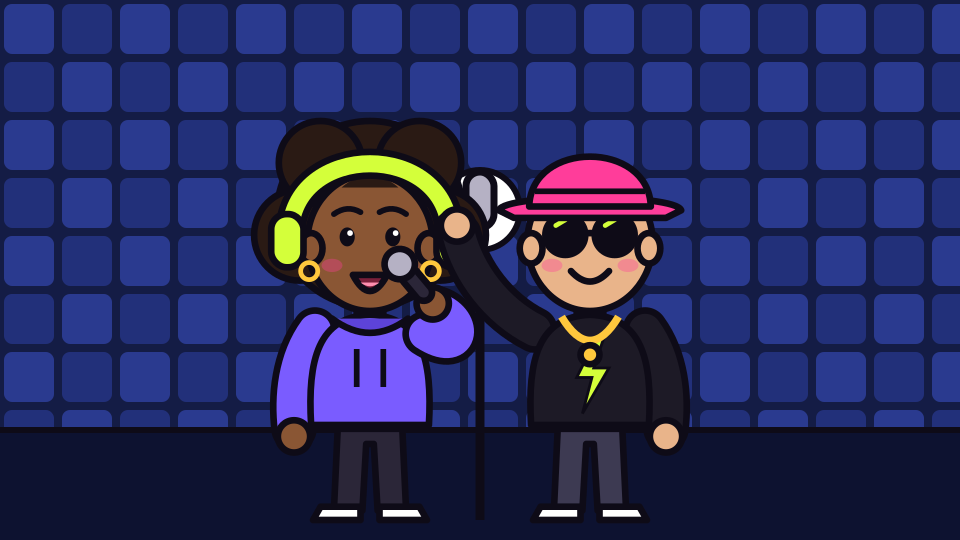
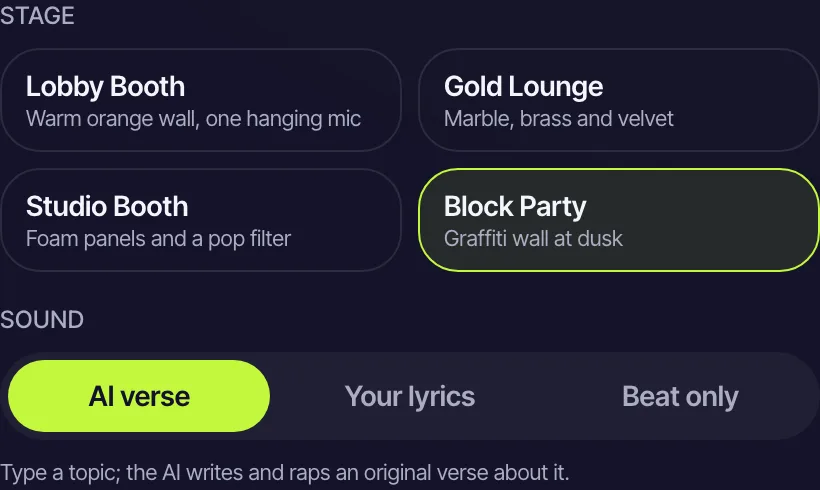
Foam panels and a pop filter: your photos step onto this stage. Switch it in the editor any time.
The short answer
What this diss track generator puts on screen
Updated October 24, 2026
An AI diss track generator writes a short roast in rap form and, on RapVideo, performs it on video. You add two photos (or one of both), type the target and their most teased habit in up to 120 characters, and the AI writes an original, clean diss over its own beat. The two of you deliver it in a moody studio booth for 12 seconds, vertical, at 6 credits for 480p or 10 for 720p, as an MP4 with no watermark.
Most diss track generators produce lyrics on a page, or a song in a voice nobody recognizes. This one makes the part people actually share: a short video in which two real people from your photos deliver the roast side by side over an original beat.
The roast is meant to be a joke, not a weapon. The prompt asks for clean lyrics with no slurs, and a filter refuses sexual or hateful topics before credits move. Aim at habits (late, loud, always hungry) instead of looks, family, health or anything that would actually hurt. Only use photos of people who agreed to be in the video.
The default stage is the Studio Booth, with foam panels, a pop filter and blue light, which gives the track a serious-recording feel that makes the silly lines funnier. If you would rather go at each other directly, use the AI rap battle generator, and if you want to be the only voice on the mic, see the AI rapper page.
Set up here: Grok Imagine Video 1.5 Lite (xAI), 480p, 12 seconds, 6 credits. Read the full guide
How it works
Make it in 3 steps
- 1
Add the two rappers
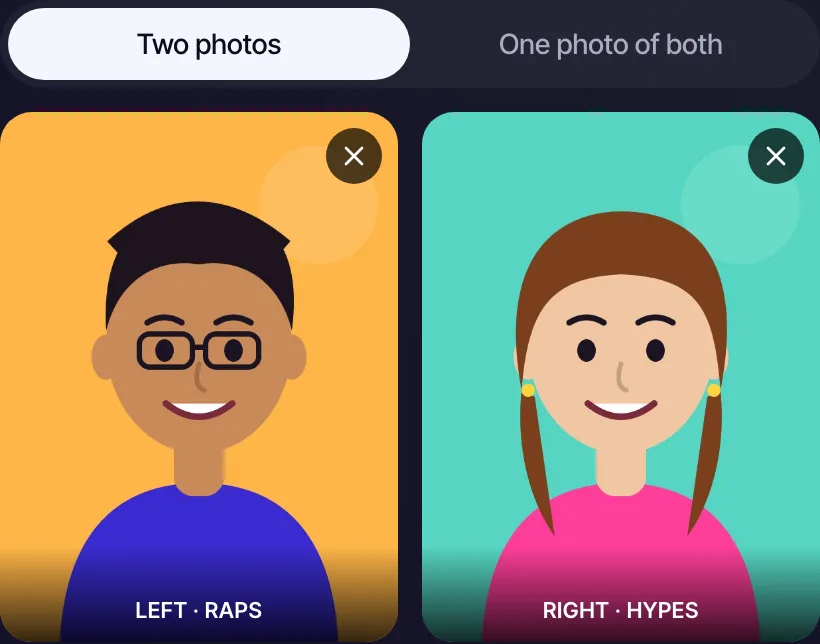
A clear, front-facing photo for each performer, or a single photo of you both. The target does not have to be on camera; you can diss someone who is not in the video.
RapVideo editor · Your two performers · View full screenshot - 2
Write the diss
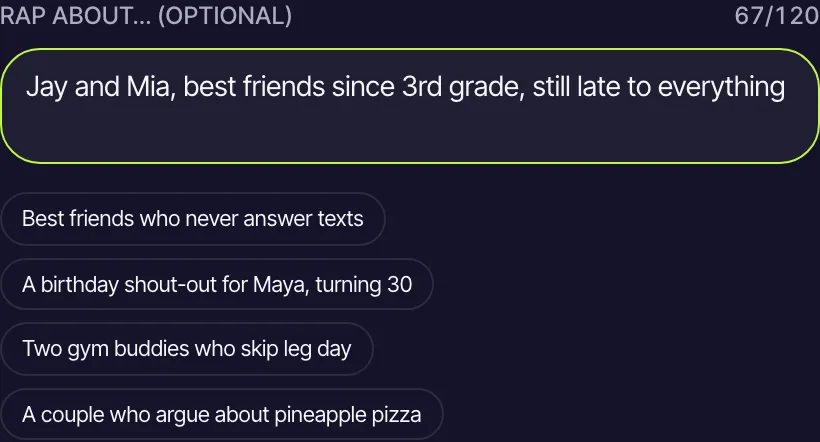
Name the target and the one habit everyone knows, like "diss track on Omar, who borrows chargers". Up to 120 characters is plenty.
RapVideo editor · Stage and sound · View full screenshot - 3
Render, then post it
The video is usually ready in about 2 to 5 minutes. Download the MP4 and post it where the target will see it.
RapVideo editor · Rap about… · View full screenshot
Why make it here
Why a video beats a lyric sheet
Faces make the joke
A roast lands harder when the delivery has a face and a smirk. Both of your photos are rendered into the performance.
Written from one line
You give the target and the habit; the AI turns it into rhymes with a beat, no writing skills needed.
Keeps it clean
Lyrics are requested clean, and unsafe topics are refused before you pay, so the clip is safe to post.
Ready to send
A 12-second vertical MP4 fits a group chat, a Story or a Short without any editing.
Ideas
Targets that deserve a track
- The friend who answers texts three days later
- A roommate's endless pile of dishes
- Your dad's grill-master ego
- The teammate who "forgot" the snacks again
- Your own bad habit, in a self-roast
- The office printer, which has wronged everyone
Ask before you put anyone in a video, and leave public figures out of it.
Watch
Diss Track Generator videos on YouTube
Videos by creators and other tools, each credited and linked to the original on YouTube. Nothing loads from YouTube until you press play.
I Created a AI Diss Track About My Friends… They LOST IT! 🤣
amvrr on YouTubeI Forced AI Music to make Football Team Disstracks
Jamie Fussell on YouTubeHow To Write A Rap Diss In 12 Mins. or Less (Step-By-Step)
How To Rap on YouTubeGuides
Read next
Related tools
Your turn
Drop the track
Name the target, add two photos and press create. The diss is a few minutes away.