
Memories
Animate old photos: a portrait that breathes
Add one old photo of someone you love. In a few minutes they blink, smile softly and look at you, in the photo's own setting and light.
- One old photo is enough
- 2 credits for 6 s at 480p
- Keeps the original setting
What Animate Old Photos makes
Animate old photos with AI: one portrait blinks, breathes and smiles in its own setting and light. 6-second MP4 from a single photo, no watermark.
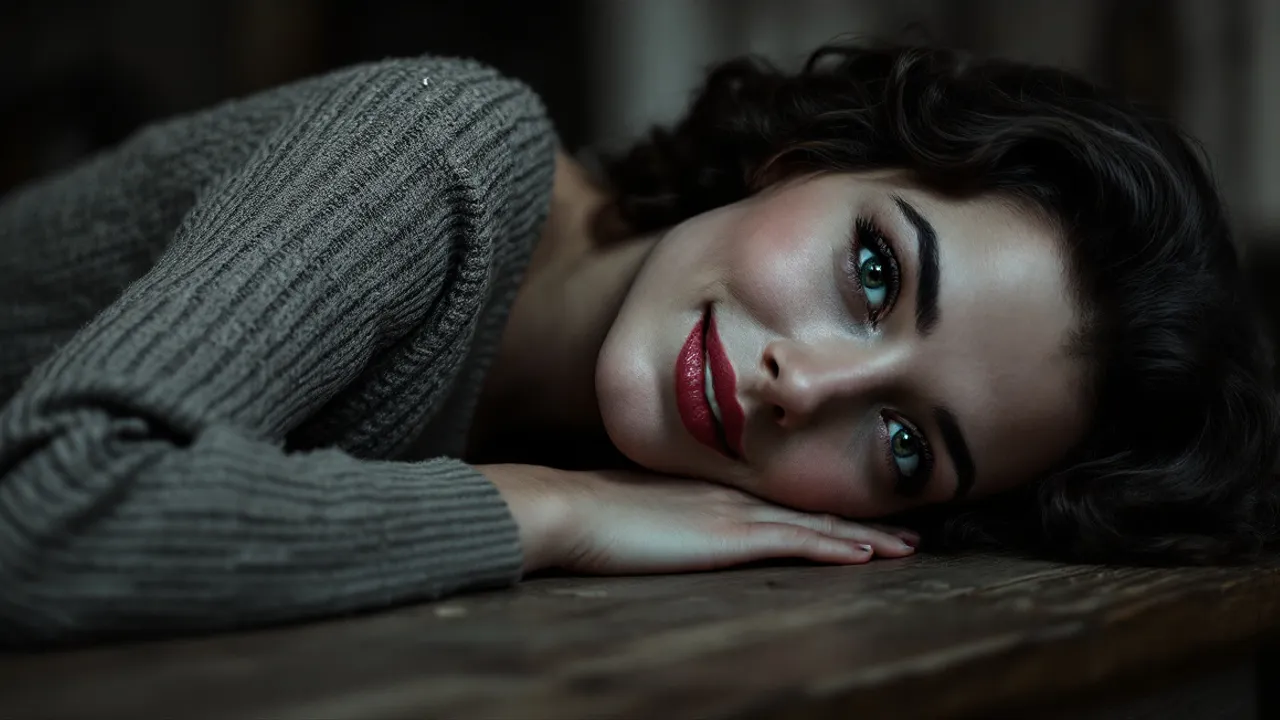
Concept image made with AI to show the idea; not a customer video.
The short answer
Bring old photos to life without changing the scene
Updated October 24, 2026
To animate an old photo with AI, upload a single picture of someone you love and press create. The model imagines the seconds after the photo was taken: the person blinks, breathes, smiles softly and turns a little toward the camera, in the same place, pose, clothes and light. On RapVideo it makes a 6-second vertical MP4 for 2 credits at 480p or 4 at 720p. The movement is the model's guess, not a real recording.
An old photo holds one frozen second: a grandmother on her wedding day, a father in his first suit. To animate old photos like these, the effect asks an AI video model to imagine the seconds that followed. The person, still at first, breathes, blinks, smiles softly and turns a little toward the camera, with small movements of the head and shoulders.
Most photo effects replace the background. This one keeps the world of the photo: the same place, pose, clothes and light, framed the same way, with a still camera. It asks for the original colors and grain, so a black-and-white photo is meant to stay black-and-white. A soft, nostalgic piano plays underneath.
The movement is a guess. Faces may not move the way the person truly did, so treat the clip as an imagining, not a memory. RapVideo does not restore, sharpen or colorize photos, and we cannot promise how faded, scratched or very small scans will turn out.
Set up here: Grok Imagine Video 1.5 Lite (xAI), 480p, 6 seconds, 2 credits. Read the full guide
How it works
Make it in 3 steps
- 1
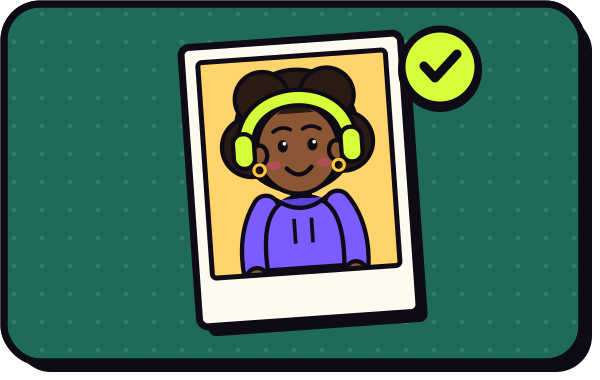
Add the old photo
A scan or a phone photo of the print with one clear face. JPG, PNG, WebP or HEIC all work.
- 2
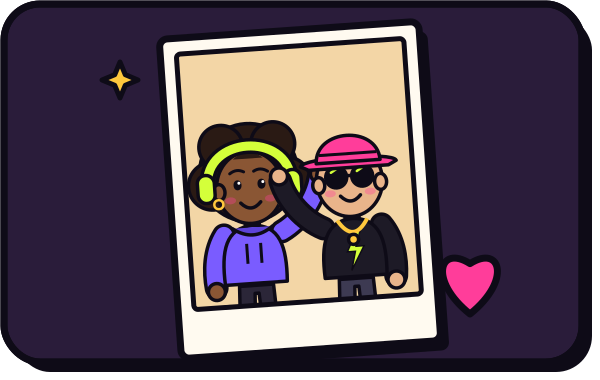
Press create
There is no prompt to write. The still camera, the gentle motion and the soft piano are built in. Check the credits on the button.
- 3
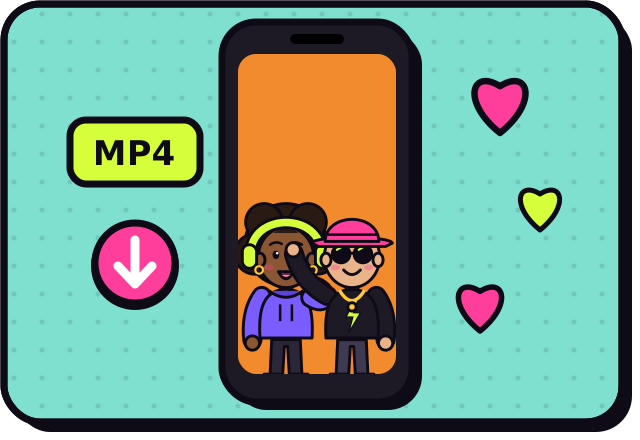
Download and share
Usually ready in about 2 to 5 minutes. Save the MP4 for the family or add it to a slideshow.
Why make it here
What stays and what moves
The photo's own world
Same setting, clothes, light and framing, with a still camera.
Small, natural motion
A blink, a breath, a soft smile and a slight turn toward you.
Original look kept
The effect asks for the photo's colors and grain, so black-and-white is meant to stay that way.
No prompt, no app
It runs in your browser. You only add the photo and press create.
Ideas
Old photos worth animating
- A grandparent's wedding portrait
- A school photo of a parent as a child
- A family group photo from a reunion, cropped to one person
- A portrait of a pet from before smartphones
- A gift for a milestone birthday of the person in the photo
Ask before you put anyone in a video, and leave public figures out of it.
Watch
Animate Old Photos videos on YouTube
Videos by creators and other tools, each credited and linked to the original on YouTube. Nothing loads from YouTube until you press play.
Turn Old Family Pics into Videos with Grok Imagine!
Shanee Moret on YouTubeI Asked AI to Give Life to My Grandparents Photo! #AImagic #aiart
Thomas Vasili on YouTubeAnimate Old Family Photos With AI
Join AI Lab on YouTubeRestore Old Photos to Life with FREE AI! (Google Whisk + Gemini) | Colorize & Enhance
Desire on YouTubeGuides
Read next
Related tools
Your turn
Let the photo breathe
Add one old photo and press create. Your portrait comes to life in a few minutes.