
Start here
Photo to video AI, from one picture
Add a photo and get a short vertical clip where the person moves, smiles or steps into a scene. It runs in the browser and needs no account.
- 2 credits for 6 s at 480p
- No prompt needed
- Failed renders refunded
What Photo to video AI makes
Photo to video AI in your browser: add one picture and get a 6-second vertical clip with motion and sound. From 2 credits, MP4, no watermark.
The short answer
How photo to video AI works here
Updated October 24, 2026
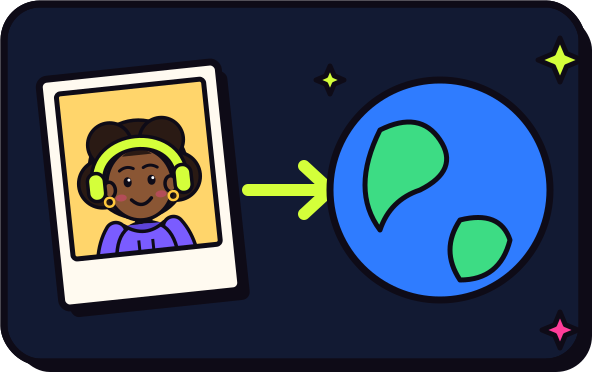
Photo to video AI takes one still picture and renders a short clip in which the people in it move, with sound. On RapVideo you add a photo, the model animates it into a 6-second vertical 9:16 video, and you download an MP4 with no watermark. It costs 2 credits at 480p or 4 credits at 720p and usually takes about 2 to 5 minutes. You do not need to write a prompt.
An image-to-video model starts from your picture as the first frame and predicts how the scene could move. It keeps the face, hair and clothes it sees, then adds motion: a blink, a smile, a head turn, a camera push. Grok Imagine Video from xAI, run through fal.ai, also generates a matching soundtrack in the same pass.
It is not a face swap and not a filter on your camera. Nothing is pasted onto other footage; the model draws a new 6-second clip. That also means results are interpretations. The more the photo shows (clear face, good light, shoulders in frame), the closer the clip stays to the real person.
Because photo to video is a starting point for many ideas, the site splits it into tools. AI video effects is the overview of every effect. AI video of yourself puts you in a new scene. Animate old photos brings family portraits to life with a respectful, gentle touch. The AI hug generator and hug your younger self use two pictures.
Social trends are built on the same base. Burning Bridges and Bulin 47 recreate popular clips with your photo, in a similar-looking setting with an original track. The page for each explains the trend in plain words.
If you want the people in your photo to rap or sing instead of just move, use the AI rap video generator on the home page or a personalized song such as the birthday song. Those are 12 to 15 seconds and come with a verse or a song written from a topic you type.
Set up here: Grok Imagine Video 1.5 Lite (xAI), 480p, 6 seconds, 2 credits. Read the full guide
How it works
Make it in 3 steps
- 1
Add a photo
A sharp, front-facing picture works best. Old scans and phone snapshots are fine as long as the face is visible and not tiny.
- 2
Pick what happens
This page brings the photo gently to life. Other tool pages turn it into a hug, a dance, a zoom to space or a rap, using the same picture.
- 3
Render and download
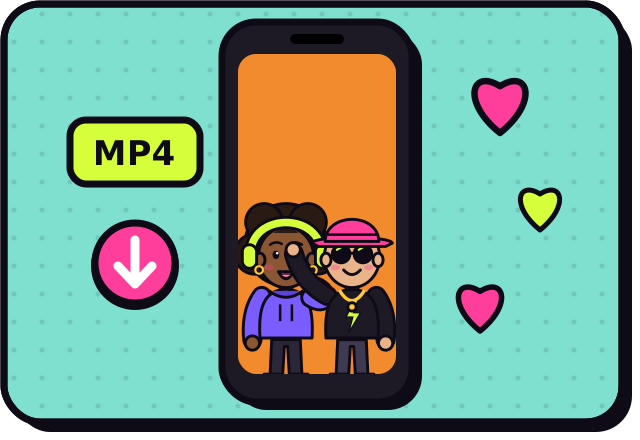
The clip is ready in about 2 to 5 minutes. Download the MP4 from My videos, or leave the page and come back later.
Why make it here
What you get from one photo
Come alive
A gentle clip where the person blinks, smiles and turns toward the camera. Good for portraits and memories.
Hug someone
Two photos become one warm embrace, even if the pictures were taken years and countries apart.
Dance
A short routine in a neon studio, with your face and outfit kept from the picture.
Go viral
Trend clips and big camera moves made for TikTok, Reels and Shorts, in vertical 9:16.
Ideas
Popular things to do with one photo
- Animate a grandparent's portrait for a family gathering
- Turn a selfie into a camera zoom from your face to the whole planet
- Make two friends in different cities hug in one frame
- Put yourself on a dance floor with a neon backdrop
- Try the current trend with the setting rebuilt around you
- Turn the same pictures into a rap with the AI rap duo
Ask before you put anyone in a video, and leave public figures out of it.
Guides
Read next
Related tools
Your turn
Make your picture move
Add one photo and press create. Your first clip is about 2 to 5 minutes away.