
All effects
AI video effects that star your photo
Add one photo, pick an effect and get a 6-second vertical clip where one big thing happens to you. No editing, no app, and nothing to install.
- 2 credits for 6 s at 480p
- One photo is enough
- Failed renders refunded
What AI video effects makes
Turn one photo into a 6-second AI video effect: zoom out to Earth, hug, dance, clones and more. From 2 credits, vertical MP4, no watermark.
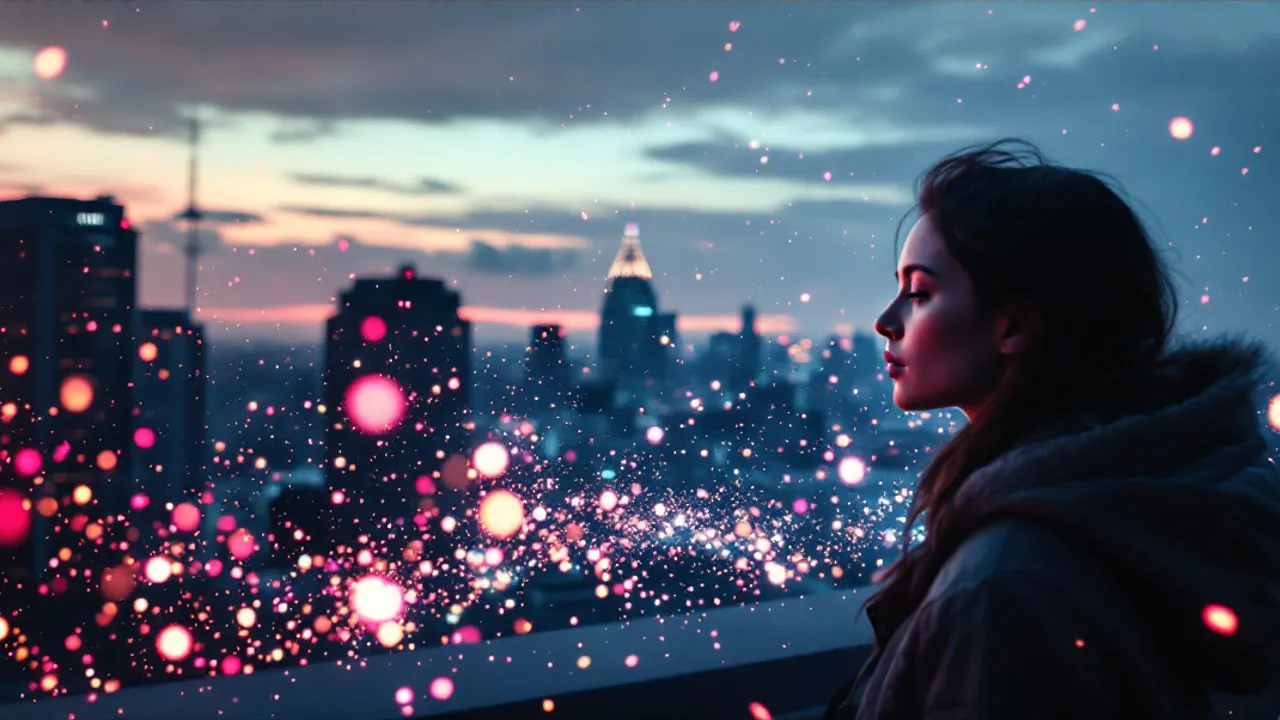
Concept image made with AI to show the idea; not a customer video.
The short answer
What AI video effects are and how they work here
Updated October 24, 2026
An AI video effect turns one still photo into a short clip where a single big thing happens: the camera flies out to space, two people hug, your clones fill a court. On RapVideo you add a photo, choose an effect, and the model renders a new 6-second vertical video that keeps the faces from your picture. It costs 2 credits at 480p or 4 credits at 720p, takes about 2 to 5 minutes, and downloads as an MP4 with no watermark.
A video effect used to mean a filter running on a live camera or a template in an editing app. An AI video effect works differently. You hand over a single photo and a description of what should happen, and an image-to-video model renders a brand-new clip that starts from your picture. The faces, hair and clothes come from the photo; the scene, camera and motion are generated.
That is why it is not a face swap. A face swap pastes your face onto existing footage and keeps someone else's body and movement. Here nothing is pasted: the model draws the whole shot, with you in it.
The effects fall into a few families. Camera moves like Earth Zoom Out turn your face into a hook. Hugs and memories bring two people together in one frame. Transformations and pranks, like clones or a bald filter, are made to be shared. Dance clips put you on a neon floor. Trend clips recreate the setting of whatever is going around social media this week.
Every clip is 6 seconds, vertical 9:16, with a short original soundtrack generated in the same render. We never add a copyrighted song, so you can pick a trending sound inside TikTok or Instagram when you post.
Prefer a rap? The same photos can become a 12-second rap video instead. The AI rap video generator on the home page and the AI rap duo page use two photos, a stage and a topic you type.
Set up here: Grok Imagine Video 1.5 Lite (xAI), 480p, 6 seconds, 2 credits. Read the full guide
How it works
Make it in 3 steps
- 1
Add a photo
A sharp, well-lit, front-facing picture of you, or of you and a friend. The background does not matter; the effect builds its own scene.
- 2
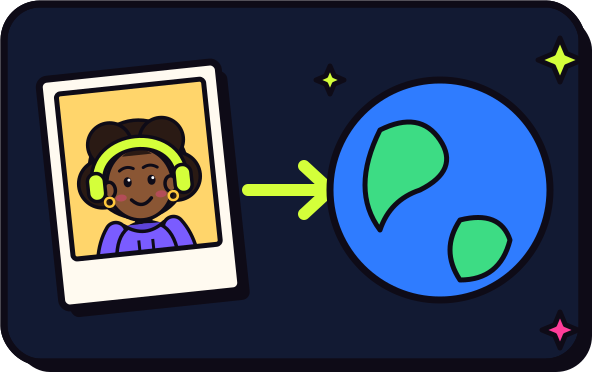
Pick what happens
Choose the effect from the tool pages below, from a camera zoom to a hug, a dance or a funny prank. Each one has its own page and its own scene.
- 3
Render and download
The clip is usually ready in about 2 to 5 minutes. Download the MP4 from My videos and post it to TikTok, Reels or Shorts.
Why make it here
Why use video effects here
One photo, one idea
No timeline, no keyframes. You pick the effect and the model handles motion, camera and sound.
Solo or for two
Most effects work with one photo. Hugs and some trends use two photos, or one picture of both people.
Cheap to test
At 2 credits for a 480p try, you can check a photo before spending 4 credits on 720p.
Safe by default
Uploads pass an automated NSFW check, and failed or blocked renders refund their credits automatically.
Ideas
Popular things to do with one photo
- Start on your face and pull back to the whole planet with Earth Zoom Out
- Hug a friend or a younger version of yourself with the AI hug generator
- Fill a basketball court with copies of you using AI clone video
- Dance in a neon studio with the AI dance video
- Surprise a friend with the AI bald filter
- Bring an old portrait to life with animate old photos
Ask before you put anyone in a video, and leave public figures out of it.
Watch
AI video effects videos on YouTube
Videos by creators and other tools, each credited and linked to the original on YouTube. Nothing loads from YouTube until you press play.
How to make Inflate Effect using Pika Ai? Inflate tutorial! #pika #ai #inflate #aitutorial
Beho_Ai on YouTubeHow To Create AI Visual Effects In Minutes (In Depth Guide)
Content Creators on YouTubeBest AI Visual Effects Tools in 2026 (Full Ranking)
Youri van Hofwegen on YouTubeGuides
Read next
Related tools
Your turn
Pick an effect and press go
One photo is all it takes. Add it, choose what happens and your clip is a few minutes away.