
Best Hotel Lobby AI Generators: Tool Types Side by Side
 RapVideo Team
How to choose a Hotel Lobby AI generator: templates, prompt tools, editors and two-photo generators compared by input, control, audio and price.
Short answer: The best Hotel Lobby AI generator depends on what you start with. With two photos and no patience for prompts, choose a two-photo generator such as RapVideo's Hotel Lobby AI. With a prompt and plenty of time, a general AI video model gives the most control. With a template and a free afternoon, an editing app can do a fixed version of the routine.
RapVideo is ours, so weigh our view accordingly. This guide compares types of tools and what to look for. It does not state other products' prices or limits, because those change quickly.
What kinds of Hotel Lobby AI tools exist?
| Type | You start with | You get | Watch out for |
|---|---|---|---|
| Two-photo generators | One photo per person | A new clip of the pair in an orange booth | Clip length, audio, price per video |
| Template tools | Your face in a fixed edit | A set routine with your face | Same moves as everyone else |
| Prompt tools | A copied text prompt | A video from a general model | You assemble references yourself |
| Video editors | The original clip and your own media | A manual edit | Time, skill, and sound rights |
| Photo-to-video apps | One still image | Short animations | Not built for two performers |
How do you pick by what you are making?
- A fast clip for a friend or couple: a two-photo generator.
- A clip that copies the exact original moves: a template or an editor.
- Total control over every detail: a prompt tool and a general video model.
- A clip with a pet: a tool that accepts clear animal photos; see RapVideo's pet rap video page.
Template tools
Template tools drop your face into a fixed version of the routine. They are fast and predictable. The trade-off is that every video looks alike, and you usually do not control the audio or the words.
Prompt tools
Prompt-based tools give you a text recipe that you paste into an AI video model. They offer the most control and the steepest learning curve. If you want to try this route, our Hotel Lobby AI prompt guide has a copyable prompt and explains each line.
Editors
Video editors do not generate performances. They help you line up clips, audio and effects. Use one when you already have an AI clip and want to assemble the final post, or when you want a very exact edit.
Two-photo generators with their own audio
Two-photo generators make the whole clip from your photos, including the sound. On RapVideo:
- Upload one photo per person (left is the lead who raps, right is the hype), or one photo of both.
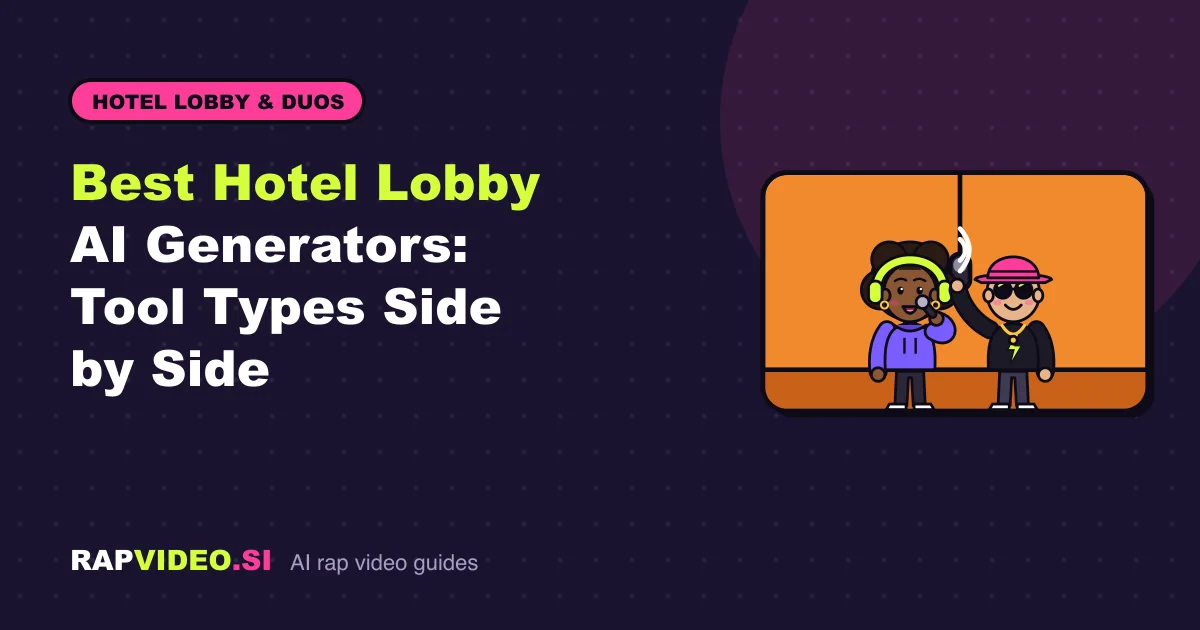
- Keep the Lobby Booth stage: a warm orange wall with one hanging mic.
- Choose AI verse, your own lyrics or beat only.
- Pick Standard (6 credits) or HD (10 credits) for a 12-second vertical video.
- Download an MP4 in about 2 to 5 minutes, with no watermark.
RapVideo never uses original recordings, so the audio is new. Add the trending sound inside TikTok or Instagram when you post. RapVideo does not accept uploaded audio files. See the pricing page for credit packs starting at $9.99.
What should you compare across tools?
- Input. Photos, prompts, or an existing clip?
- Audio. Does the tool supply sound, or do you add it?
- Format. Vertical 9:16 for social posts?
- Price transparency. Is the total shown before you pay?
- Watermarks. Can you post the file anywhere?
- Safety. Are there consent rules and refunds for failed renders?
Want to know what costs nothing? See Hotel Lobby AI free for the usual catches.
Our method and its limits
This guide does not rank other products or claim to have tested them. It describes categories so you can match a tool to your inputs. Features and prices vary and change, so read each tool's own pages before you commit. RapVideo is independent and is not affiliated with Quavo, Takeoff, TikTok, CapCut, Higgsfield or any other named artist or app.
FAQ
Can I do the Hotel Lobby AI trend without paying?
Editing-app templates are often free, but they paste your face into a fixed edit rather than generating a new AI video. RapVideo has no free videos and no free preview.
Which generator lip-syncs a song I upload?
RapVideo does not accept uploaded audio files. The lead lip-syncs an AI verse, or up to 300 characters of your own lyrics. If you want the trending sound, add it inside TikTok or Instagram when you post.
Will my video play the real Quavo and Takeoff recording?
Not on RapVideo. It never uses original or copyrighted recordings. Choose an AI verse, your lyrics or a beat only, and add a trending sound in the social app.